

源码包
38606禅道从12.5.3升级为15.5后没项目集和执行已解决
禅道从12.5.3升级为15.5后没项目集和执行已解决 悬赏10积分
提问者小公子答案数2阅读数1409发表时间2021-10-21 14:50:45
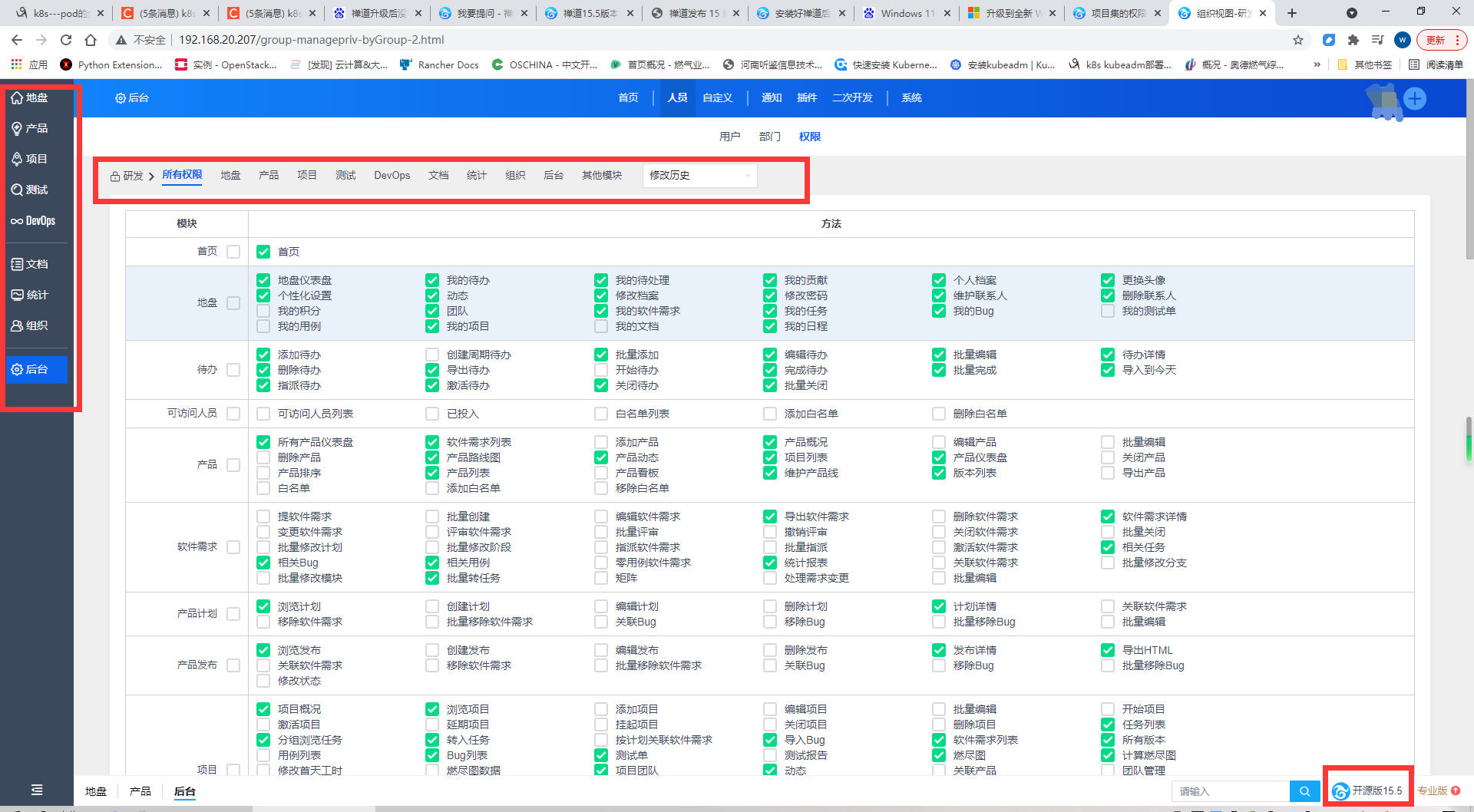
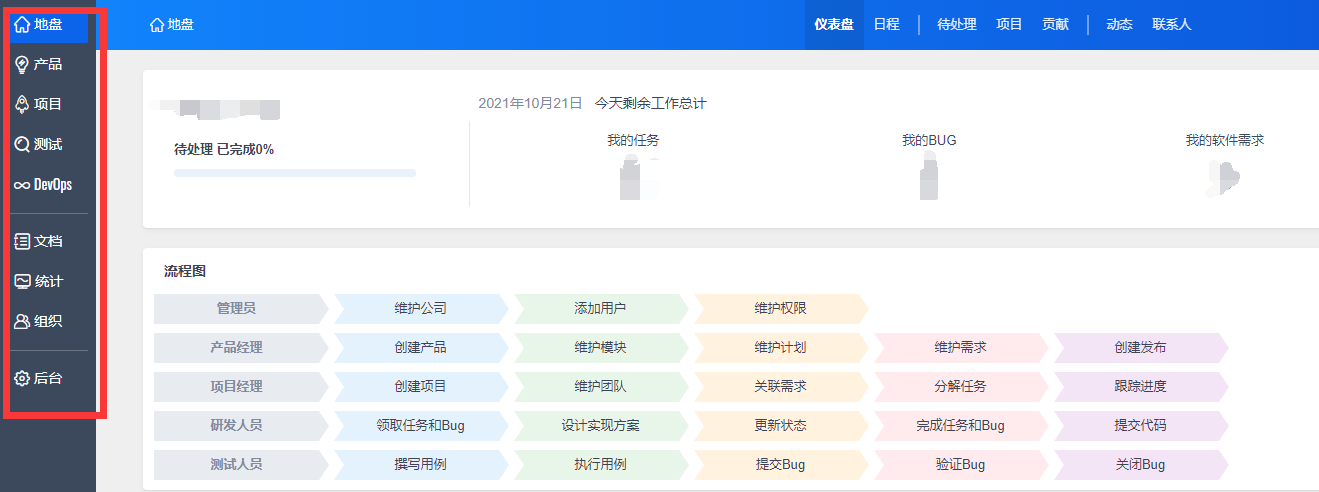
禅道从12.5.3升级为15.5后没项目集和执行的目录选项
权限里面也没有,又谁知道怎么搞吗?
禅道版本:15.5
安装包类型:源码包
操作系统:CentOS
客户端浏览器:Chrome
答案列表
🚍 您好!您的问题可以参考一下:https://www.zentao.net/book/extra/469.html 文中“四、全新项目集管理模式升级”。 在后台-自定义-模式中设置。希望对您有帮助!您也可以联系我们的商务,邀请进入交流群! |
 回复
回复
联系我们

联系人
金娟/高级客户经理

电话(微信)
18562856230
QQ号码
1826606239
联系邮箱
jinjuan@chandao.com

其他相关问答
提问者: GavinZhangDev 于 2015-02-023407次浏览,1个答案
提问者: cindycindy 于 2021-08-101229次浏览,2个答案
提问者: jbsun 于 2014-09-042861次浏览,1个答案
提问者: inmost 于 2016-09-292891次浏览,1个答案
提问者: song5566 于 2017-08-012825次浏览,1个答案
 AI知识库
AI知识库


联系我们
金娟
高级客户经理
电话(微信)
18562856230
QQ号码
1826606239
联系邮箱
jinjuan@chandao.com
联系我们


李木
高级客户经理
电话(微信)
18562583552
QQ号码
3985895121
联系邮箱
limu@chandao.com
!您的禅道专属服务通道已开启
感谢您的!为确保您能充分发挥禅道的价值,我们为您准备了以下专属服务:
 精品资料包
精品资料包立即获取《软件研发质量管理体系建设白皮书》、《PMO实践白皮书》《IPD资料》等行业最佳实践资料。
 1V1产品演示
为您量身定制线上演示,深度讲解核心功能与适用场景。
 免费试用增强功能
获取正式试用授权,解锁全部功能,带领团队亲身体验。
 专属顾问答疑支持
在使用中遇到的任何问题,您的专属顾问将及时为您解答。
添加您的专属顾问获取服务

扫码添加领专属服务